Support
How can we help?
Most questions about Paper Scan are answered below. For anything else, email us and we'll get back to you.
How does automatic edge detection work?
When you scan with the camera, Paper Scan uses Apple's on-device document scanner to detect the page's edges in real time and correct the perspective as you capture each page — no manual cropping needed.
Can I scan multiple pages into one document?
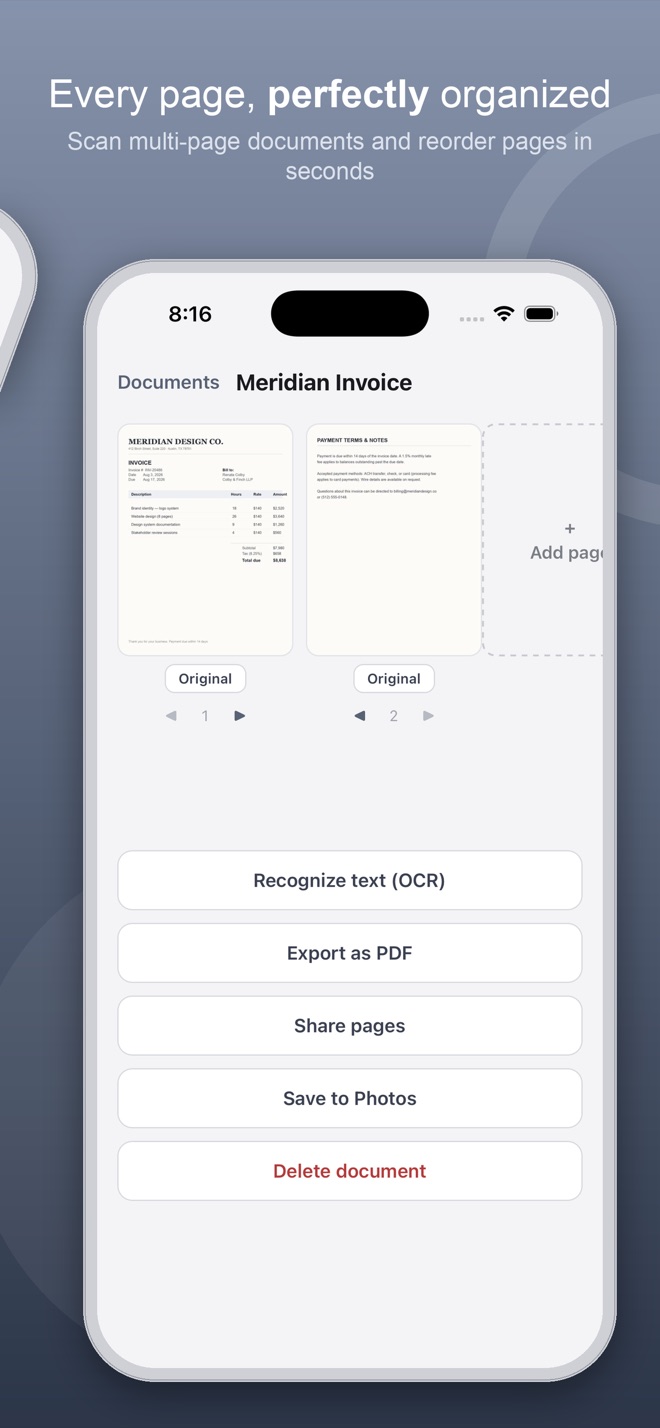
Yes. Scanning with the camera captures as many pages as you need into a single document. You can also add more pages later, and reorder pages with the arrows on each page's thumbnail.
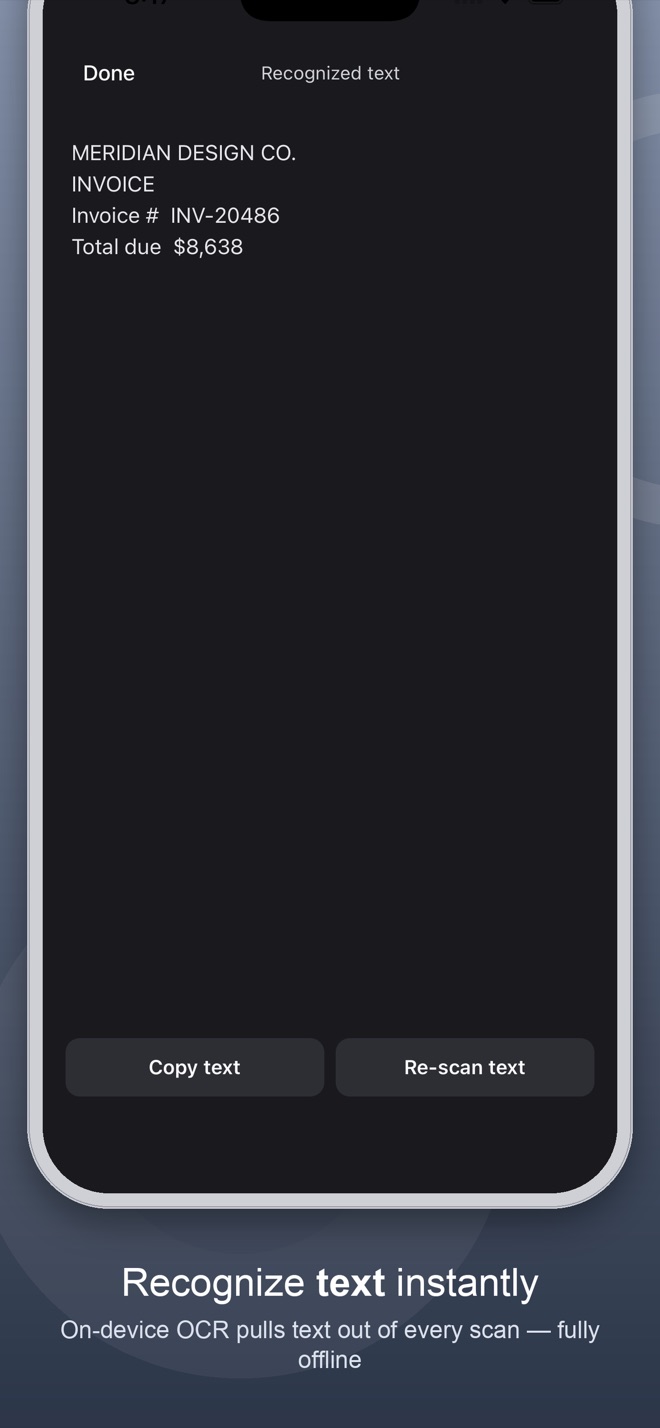
Does text recognition (OCR) need an internet connection?
No. Text recognition runs entirely on your device using Apple's Vision framework. Nothing is uploaded anywhere, and it works with no connection at all.
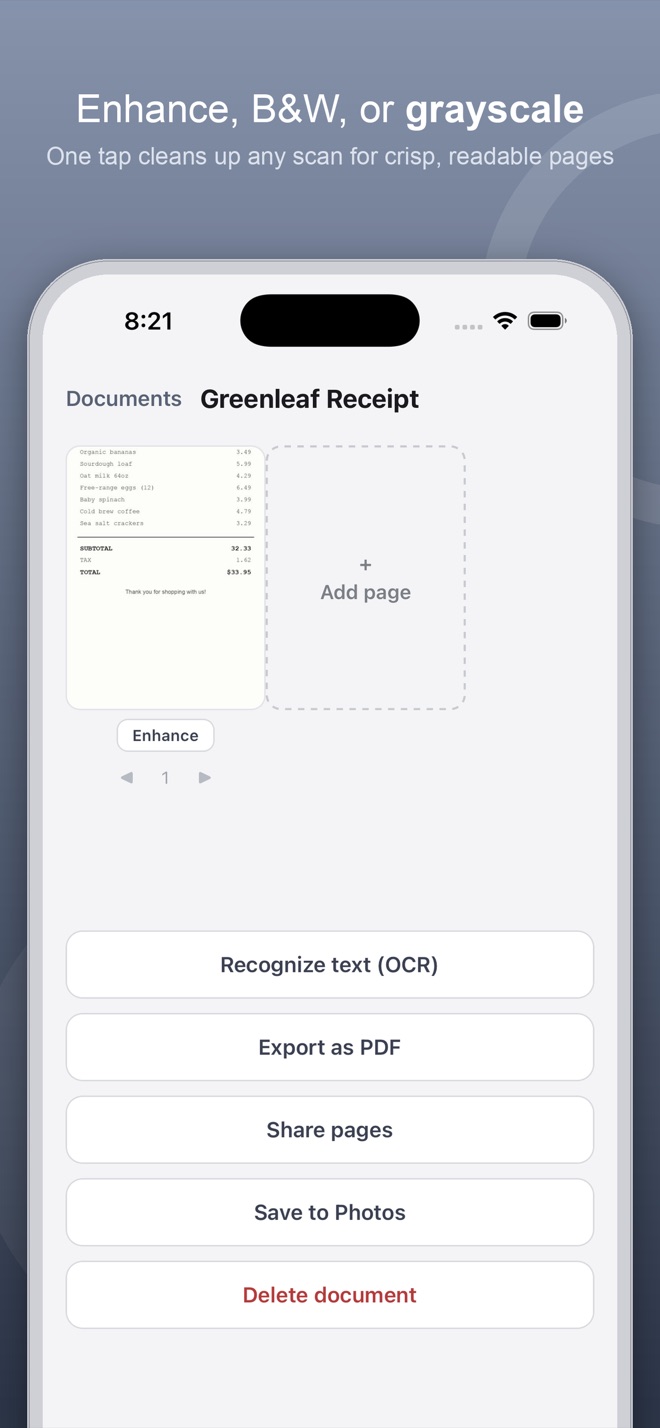
What do the Original, Grayscale, B&W, and Enhance filters do?
Tap the filter chip under any page to cycle through them. Grayscale removes color, B&W gives a high-contrast black-and-white look, and Enhance boosts contrast and clarity — useful for pages that are dim or low-contrast.
How do I export a document as a PDF?
Open a document and tap "Export as PDF." Paper Scan builds a PDF from every page and opens the share sheet, where you can save it to Files, print it, or send it anywhere.
Can I search my scanned documents?
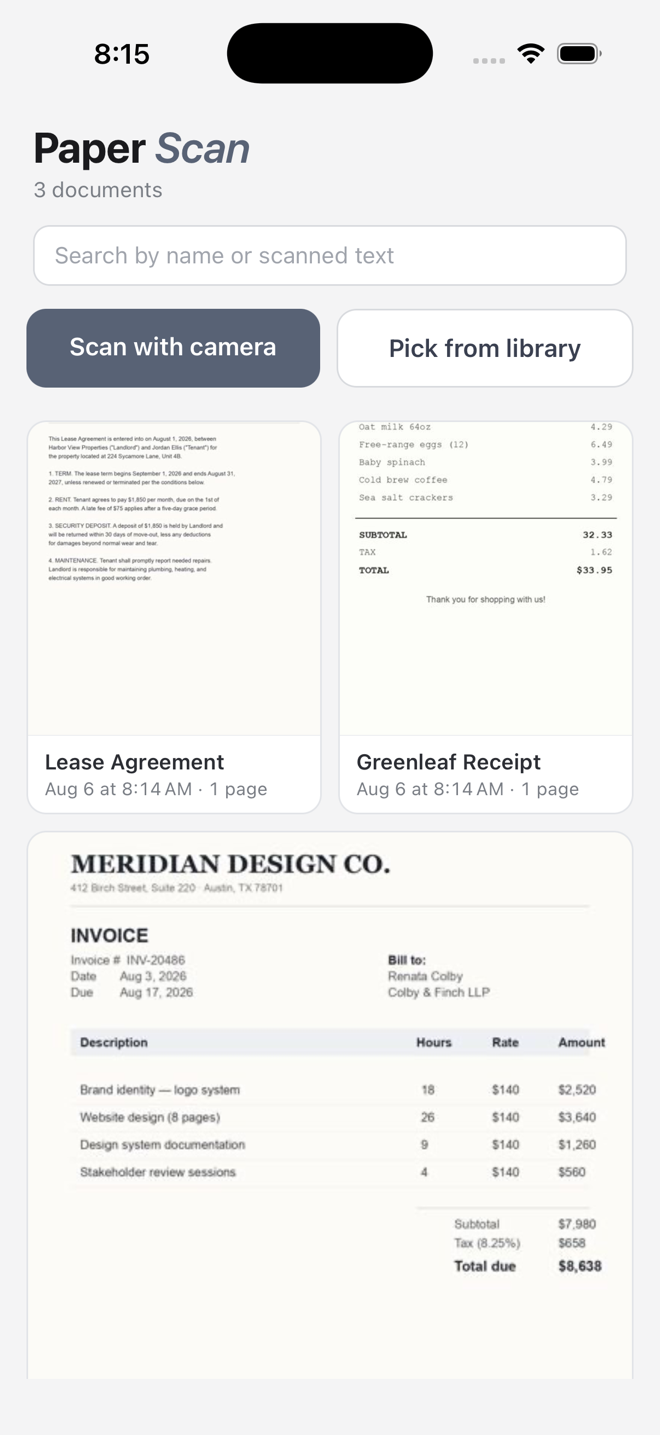
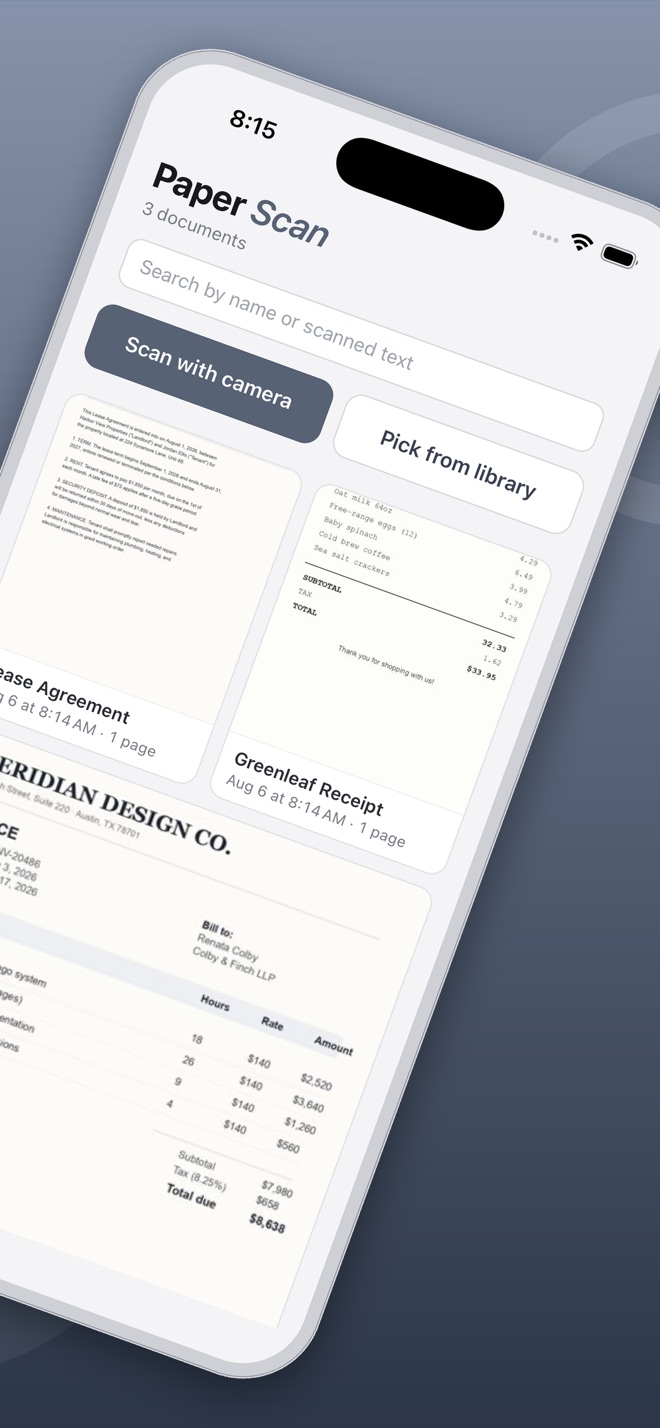
Yes — the search bar on the home screen matches both document titles and any text Paper Scan has recognized inside your scans.
Do I need an account to use Paper Scan?
No. There's no sign-up, no login and no profile to fill in — open the app and start scanning. Your documents stay on your device.
Privacy Policy
Your privacy, simply explained
Last updated: August 25, 2026. This policy applies to the Paper Scan iOS application published by Mark Utility Labs.
🔒
Short version: Scanning and text recognition run entirely on your iPhone, and your scans, the recognised text and the PDFs you export never leave your device — there is no account and no server holding them. What does leave the app is anonymous and technical: a crash report when the app crashes, and a count of how the unlock screen is used. No ads, no advertising identifiers, no tracking you across other apps or websites, and no sale of your data, ever.
1. What data the app handles
Paper Scan creates and stores the documents you scan or import: the page images, thumbnails, document titles, and any text recognized from a scan. This data is created and used entirely on your device.
2. How it's stored
Scanned pages are stored as image files in the app's private storage on your iPhone. Document metadata (titles, page order, recognized text) is stored locally using the device's standard app storage. Deleting a document in the app, or deleting the app itself, removes this data from your device.
3. Crash reports (Firebase Crashlytics)
Paper Scan uses Firebase Crashlytics, a service run by Google, to report crashes automatically so bugs get found and fixed. When the app crashes, a report goes to Google containing the device model, the iOS and app version, the technical details of the crash, and a random identifier Firebase generates for your installation of the app. That identifier is not your name, your email, or your Apple ID; delete and reinstall the app and it changes. A crash report never contains your scans, the text recognised from them, or the PDFs you export.
4. Anonymous usage counts (Firebase Analytics)
When Paper Scan shows its unlock screen, it counts a short list of events through Firebase Analytics, also from Google: that the screen was shown (and which of its two asks it was), that the free week offered there was taken, which layout was shown, and that an unlock completed. It also counts that the one-time offer sheet (the one that shows the other apps) was shown and what was tapped on it, and that the app asked whether you were enjoying it, with which of the two buttons you chose. These events carry no personal content — none of your scans, the text recognised from them, or the PDFs you export, no name, no contact details. Paper Scan never attaches your identity to them; Firebase records them against the same kind of per-install identifier described above. They exist so we can tell whether the unlock screen works, and for nothing else.
5. Unlocking Paper Scan
Apple handles the transaction itself. Mark Utility Labs never sees or stores your card details, billing address, or Apple ID password.
Your unlock is kept on your device, in the iOS Keychain. If you unlock the whole collection of Mark Utility Labs apps at once, that record is also kept in your own iCloud, using Apple's CloudKit, so it follows your Apple Account to a new device. It is stored in your private iCloud database, not somewhere we can browse. Paper Scan does not ask you to sign in to anything, and nothing about your purchase is sent to Google.
6. What is NOT collected
It's worth being explicit about the absences:
- Your scans, the recognised text, and the PDFs you export are never transmitted anywhere, for any reason.
- No advertising SDKs and no advertising identifiers (IDFA).
- No tracking of you across other companies' apps or websites, and nothing shared with data brokers.
- No name and no email address — Paper Scan never asks Apple for either, even when you sign in.
- No account, login, or profile is needed to use the app.
- No sale of personal data, ever.
7. Who processes your data
Google (Firebase) receives crash reports and the anonymous usage counts. Apple handles the transaction, and keeps the all-apps unlock record in your own private iCloud database. There are no other recipients.
8. Permissions
Paper Scan requests the following permissions, each used only for the stated purpose:
- Camera — to scan documents.
- Photo Library (read) — to let you pick existing photos to scan.
- Photo Library (add) — to save scanned pages to your Photos library, only when you choose to.
9. Children's privacy
Paper Scan is not directed at children under 13 and does not knowingly collect personal information from children. It never asks anyone, of any age, for a name, an email address, or any other identifying detail.
10. Changes to this policy
If this policy changes, we'll update the "Last updated" date above. Continued use of the app after a change means you accept the updated policy.
11. Contact us
Questions about this policy or your privacy? Please contact us at:
Mark Utility Labs
Email: mark@vibecode.review
Terms of Use
The short, plain-English terms
Last updated: August 6, 2026. These terms cover the Paper Scan iOS application published by Mark Utility Labs.
✅
Short version: Paper Scan runs on your device, needs no account, and shows you no ads. Use it however you like.
1. Using the app
Paper Scan is published by Mark Utility Labs for your personal use. It needs no account and no sign-up, it shows no advertisements, and your scans stay on your device.
2. Purchases
Some features are unlocked by an in-app purchase. Any purchase is a one-time, non-consumable unlock — there is no subscription, nothing renews, and you are not charged again for what you have already unlocked. Purchases are processed by Apple through the App Store rather than by Mark Utility Labs, and refunds are handled by Apple under its standard App Store refund process at reportaproblem.apple.com.
3. Use your own judgment
Paper Scan is provided as a convenience tool. Software can contain mistakes, so for anything critical please confirm against an authoritative source. Mark Utility Labs is not liable for losses arising from use of the app.
4. No warranty
The app is provided "as is" and "as available", without warranties of any kind, express or implied, including fitness for a particular purpose.
5. Acceptable use
Please don't reverse engineer, resell, or pass the app off as your own. That's the whole list.
6. Changes to these terms
If these terms change, we'll update the "Last updated" date above. Continued use after a change means you accept the updated terms.
7. Contact us
Questions about these terms? Please contact us at:
Mark Utility Labs
Email: mark@vibecode.review
 Document Scanner · iPhone